Running the Motor from the Keypad Speed Reference
Action | Guidance | |||||||||||
|---|---|---|---|---|---|---|---|---|---|---|---|---|
Check that it is safe for the motor to turn |
| |||||||||||
Enable keypad mode |
| This enables the drive start command and speed set-point to come from the drive keypad. | ||||||||||
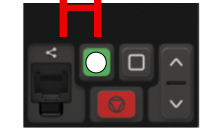
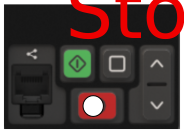
Using the keypad to start and stop the motor |
| |||||||||||
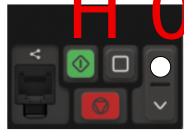
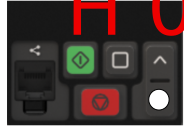
Using the keypad to set the setpoint speed |
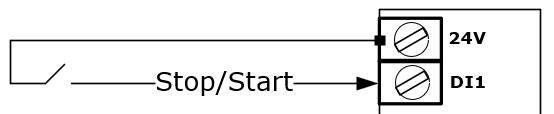
| P-12.4 allows the conditions for a start to be chosen.
 | ||||||||||
Changing the motor Direction |
| |||||||||||
NOTE | The motor can now be started and stopped from the drive keypad as well as set-point speed reference | |||||||||||