User Defaults Feature
User Defaults
Saving parameter settings as User Defaults
Follow these steps to save the current parameter settings as User Default parameters
Set the required parameters in the drive.
Set parameter P11-01 to a value of 1
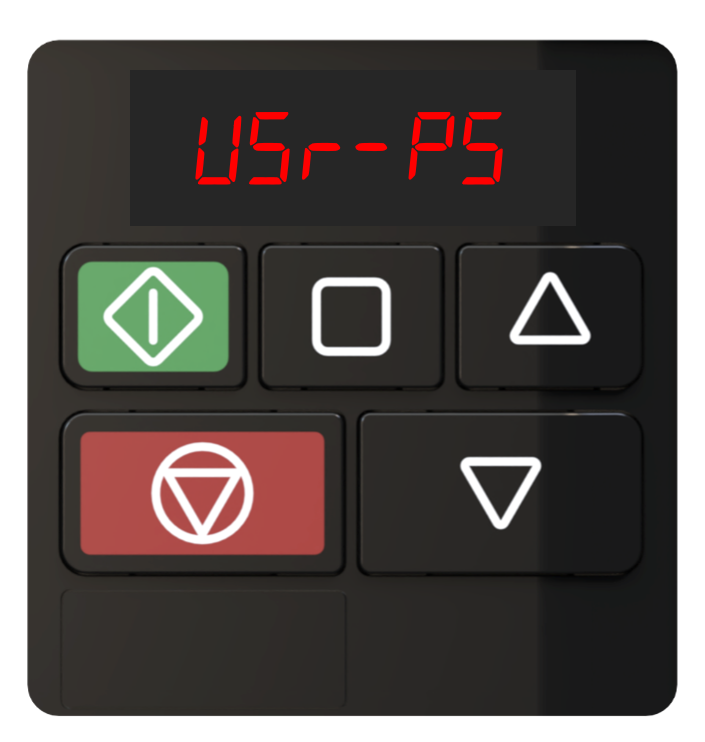
USr-PS will show on the display to confirm User Defaults have been stored in the drive.
Recalling User Defaults
Follow these steps to recall User Default parameters
To recall User Defaults perform the following button presses on the drive keypad.
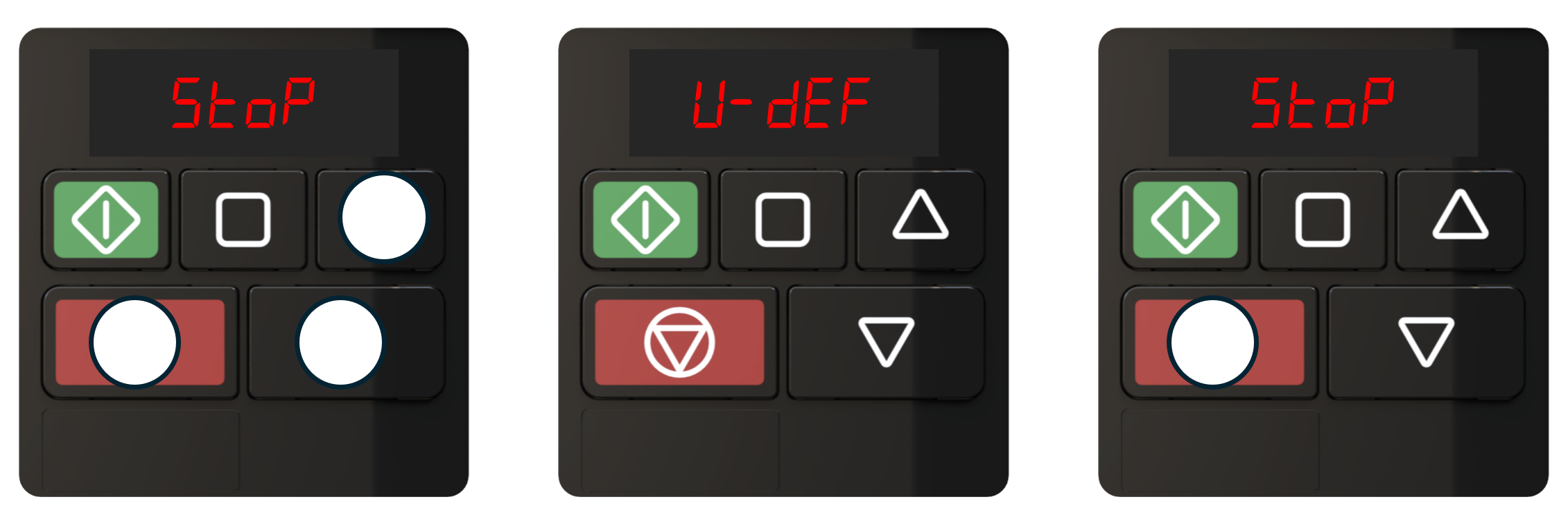
User defaults are now loaded.
Follow these steps to clear User Default parameters
Set parameter P11-01 to a value of 2
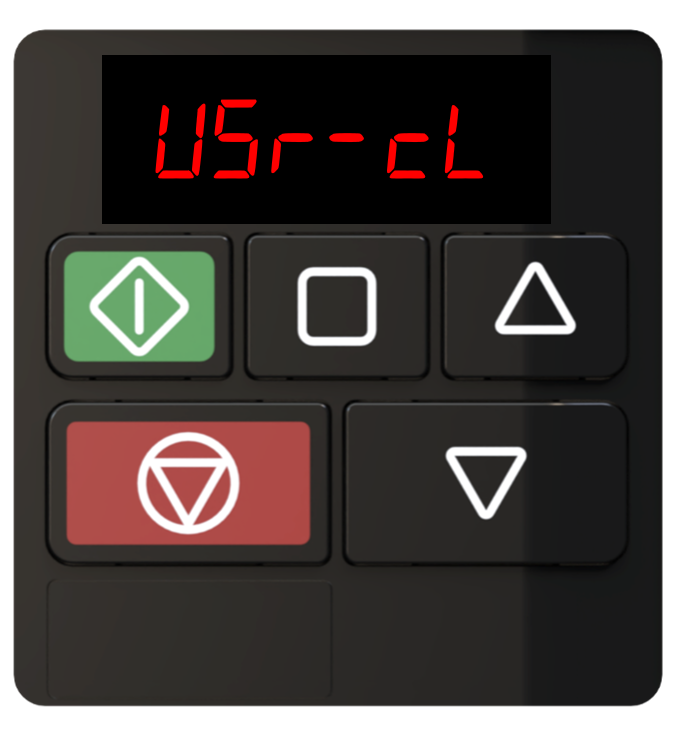
USr-cL will show on the display to confirm User Defaults have been cleared
Note
Loading Factory defaults will not clear the saved user defaults.
The drive can store a backup of the user parameter settings, this is useful in the event of someone inadvertently adjusting the drive operational parameters and allows for the parameter settings to be returned exactly as per the original installation.
Parameter Number | Parameter Name | Units | Default | Available Settings | Access | Change During Run | Scaling | Size (Bytes) | CAN Register | CAN Sub Index | Modbus Register |
|---|---|---|---|---|---|---|---|---|---|---|---|
P11-01 | Save User Defaults | N/A | 0: No Action | 0 ... 2 | RW | N | N/A | 1 | 244Dh | 0 | 1101 |
The drive can store a backup of the user parameter settings, this is useful in the event of someone inadvertently adjusting the drive operational parameters and allows for the parameter settings to be returned exactly as per the original installation.
Once the drive has been programmed for the application, setting parameter P11-01 to a 1 will save the drive parameters as user default parameters.
Settings | Function |
|---|---|
0 | No Action |
1 | Saves the current parameter settings as "User default parameters". When the User carries out a 3-button default parameter command (UP, DOWN and STOP), the parameters saved when P11-01 was last set to 1 will be restored. The display will show the message Usr-PS to indicate the values have been saved. |
2 | Clears user parameters. A 3-button default with no user default parameters saved will restore factory defaults. The display will show the message USr-cL to indicate factory defaults have now been loaded. |